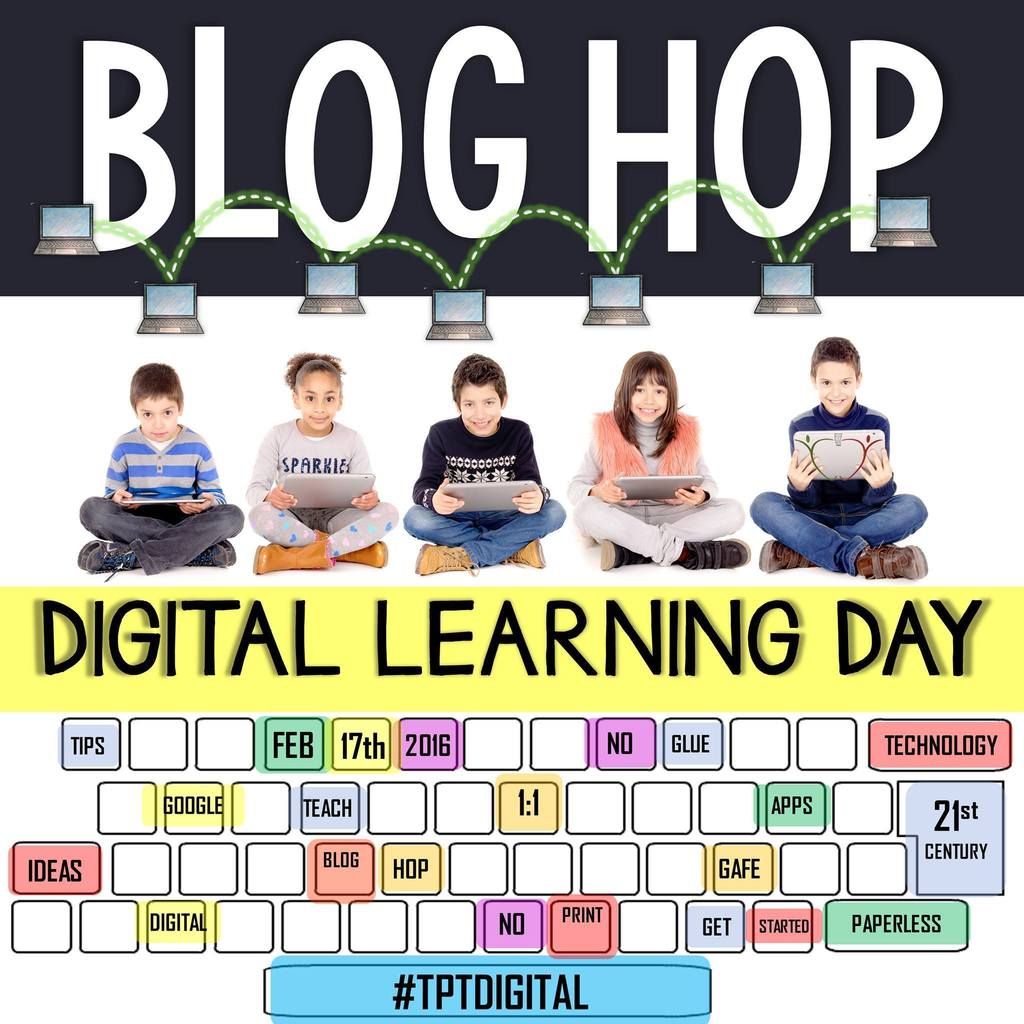
I’m so excited to be linking up w/ a great group of teacher-authors from the TPT Google Drive Inspiration group for Digital Learning Day! With the constant push to integrate technology into the classroom, I’m always in search of ways that other teachers do this in their classrooms.
This year I started using Google Classroom, and all I can say is… AMAZING!!! It has been a true gift! I teach 6th grade at a Title I school, which serves a large percentage of minorities. My classes are full of all learning levels, which is a challenge in itself. Trying to find a way to keep everyone on task and engaged, all while helping them master the material seemed almost impossible a few short months ago. That all changed when I began to use Google Classroom. Fortunately, our school system has Google accounts for all teachers and students; however, if your school doesn’t have this, you can still utilize the Google Drive features. All you need is internet access and a Google account.
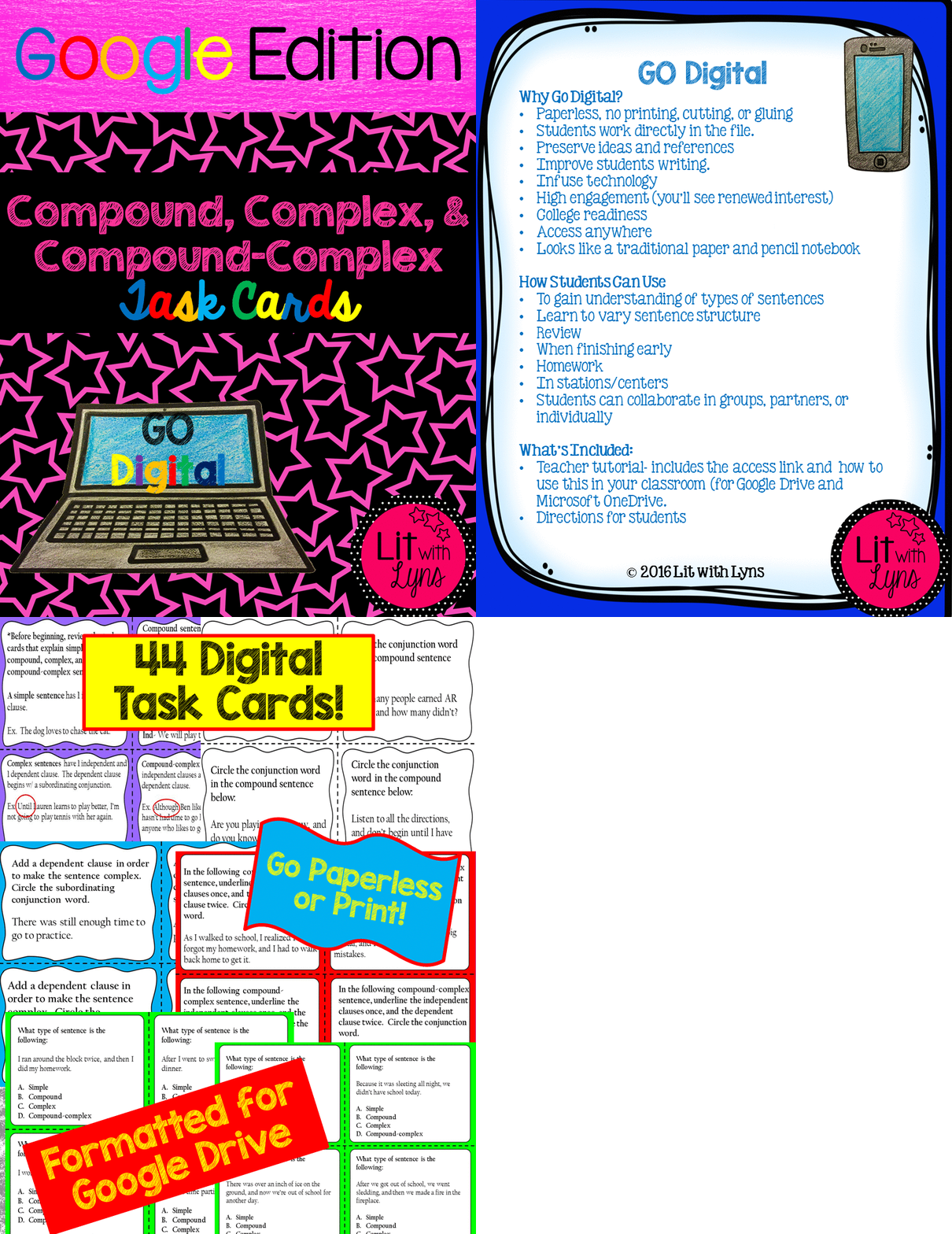
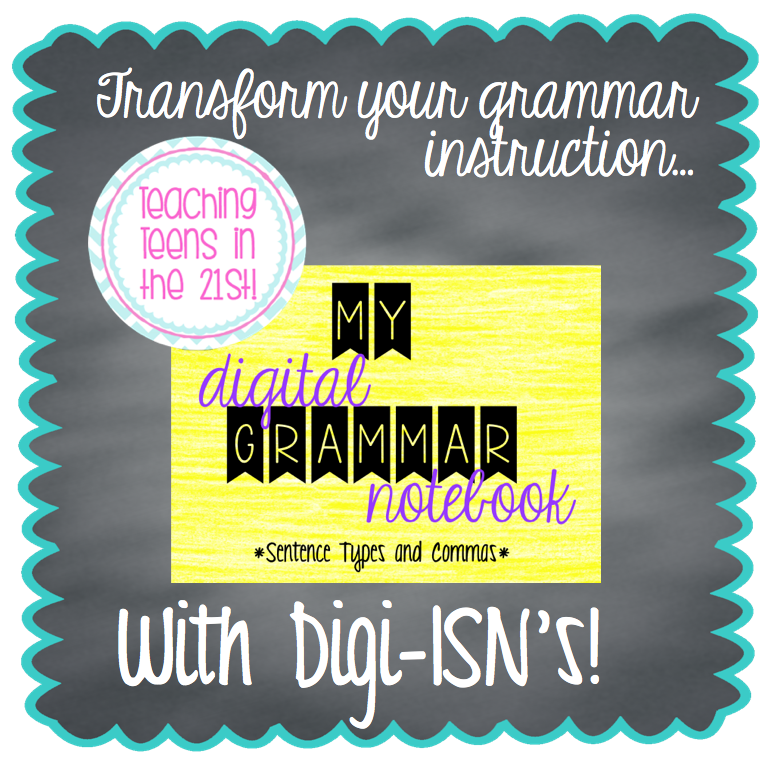
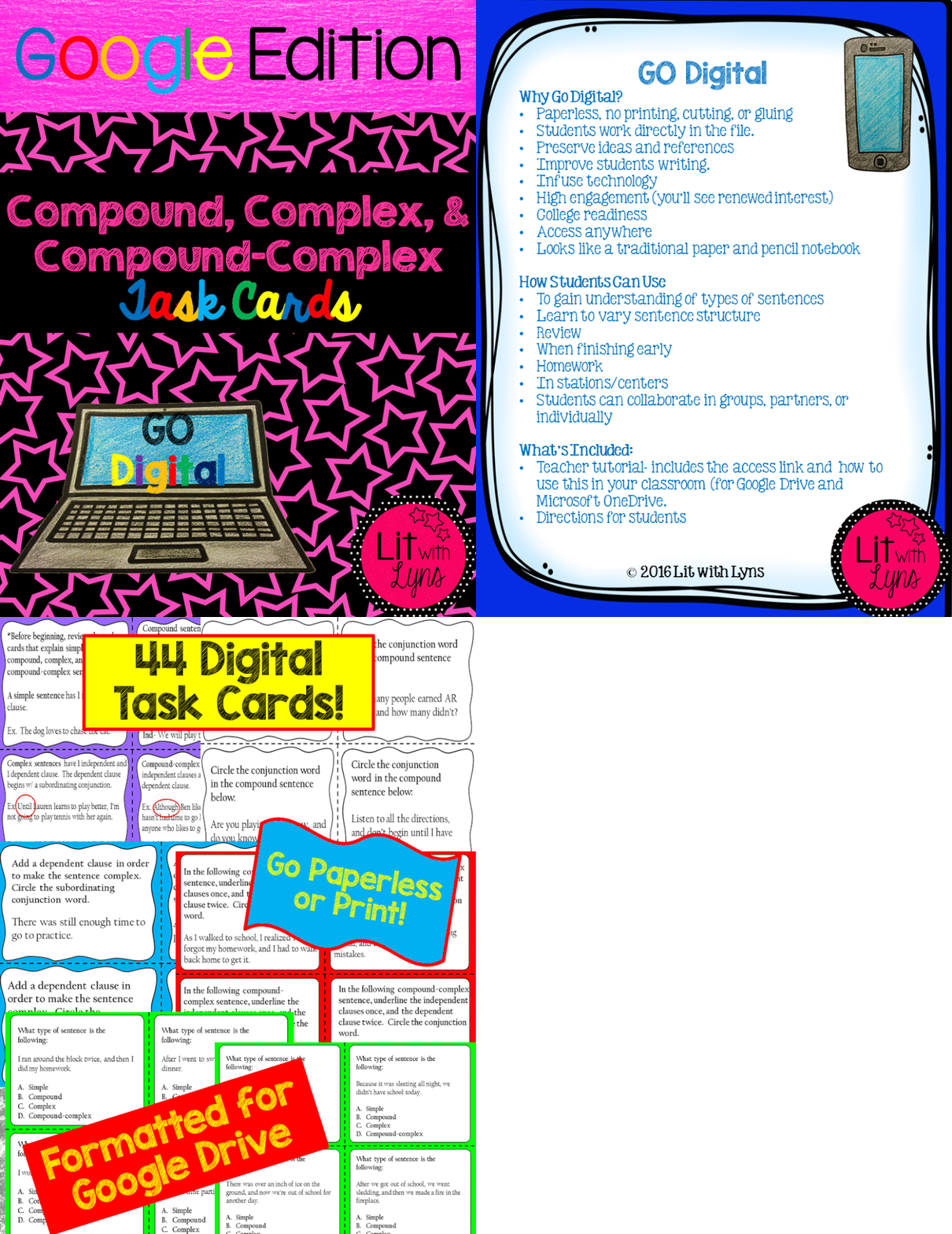
With the Common Core shift, we’ve spent a lot of time working on sentence variety. This can be EXTREMELY hard for students to grasp. After working through compound, complex, and compound-complex sentences, one of the activities that has really helped my classes to wrap their brains around this concept is using these digital task cards…Compound, Complex, & Compound-Complex Task Cards- Google Drive Edition. This includes:
- 4 task cards that review each type of sentence
- 16 task cards that focus on compound sentences (using commas and conjunction words, as well as semi colons)
- 8 task cards on complex sentences
- 8 on compound-complex sentences
- 8 that review all of the above
From my experience, grammar has never been a favorite amongst middle schoolers. Once I began using task cards, I found that they were more interested (yes, I said interested) in the material. Now that we’re using DIGITAL task cards, all of my students can hardly contain their excitement when I tell them to login to their Google accounts. Even those that struggle in this area are raring and ready to go! This makes my job sooooo much easier!
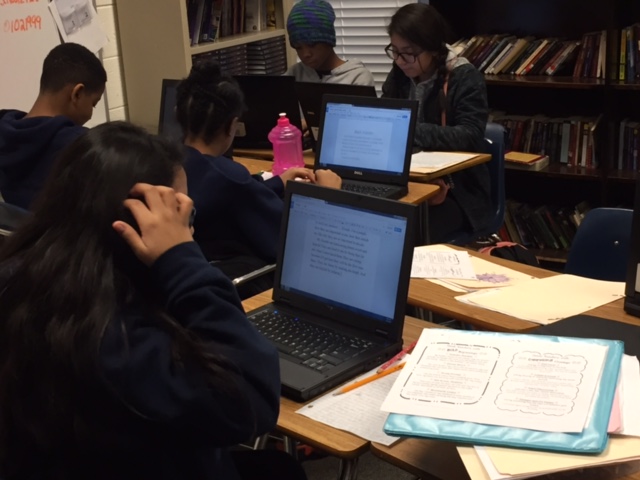
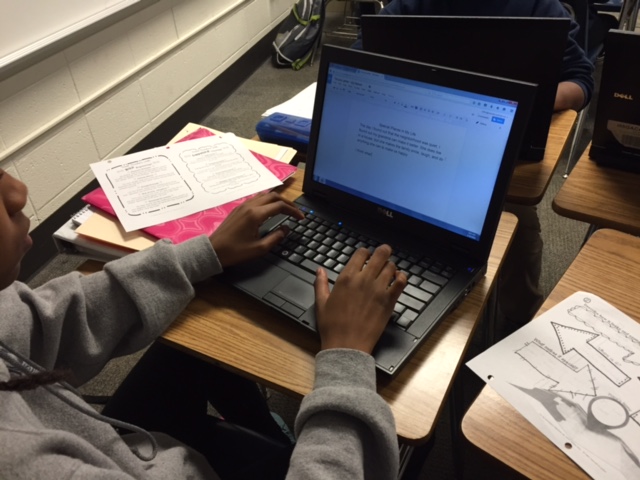
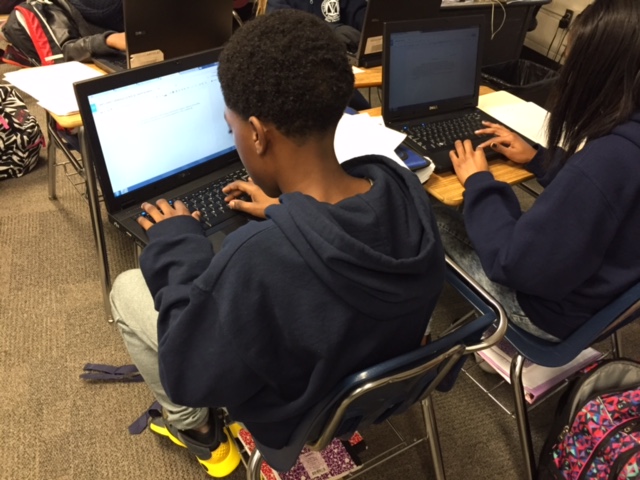
Another aspect of using the Google Drive that I love is using Google Docs for writing, as well as Google Slides, depending on the activity. Now when I mention that they are going to be researching a topic for an essay, I don’t have to hear those dreadful groans….again, this makes my job easier!
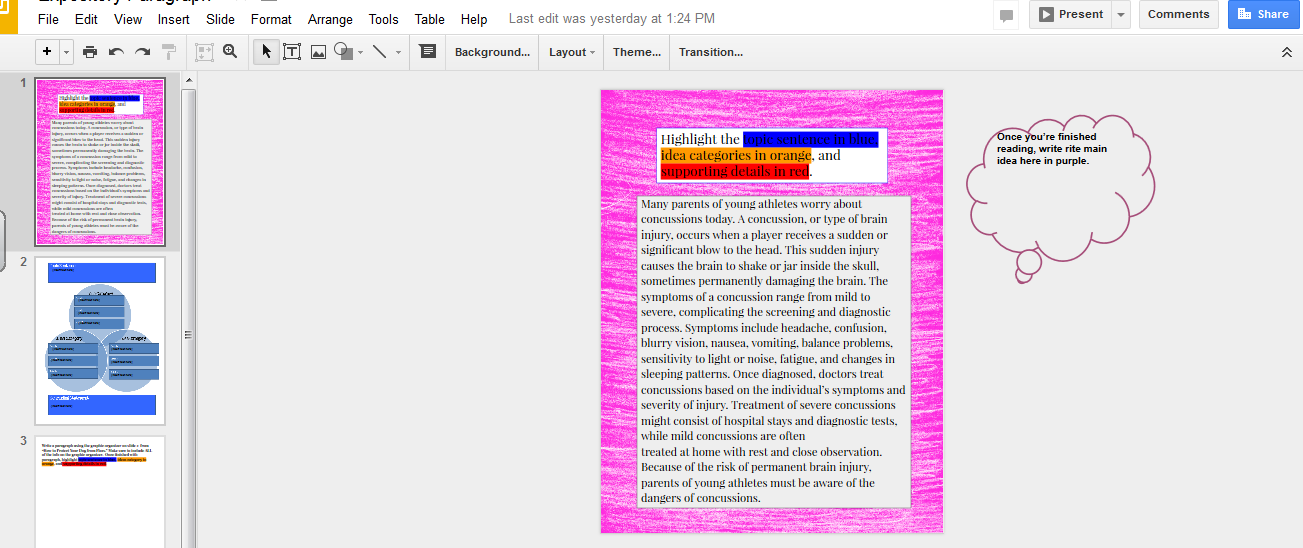
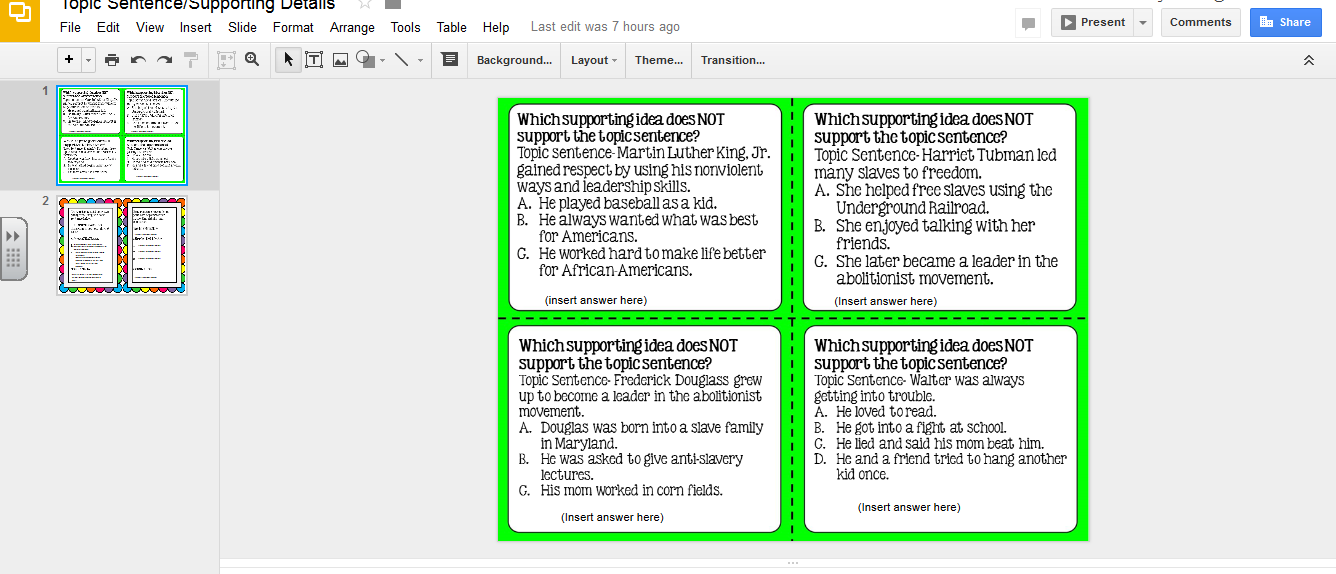
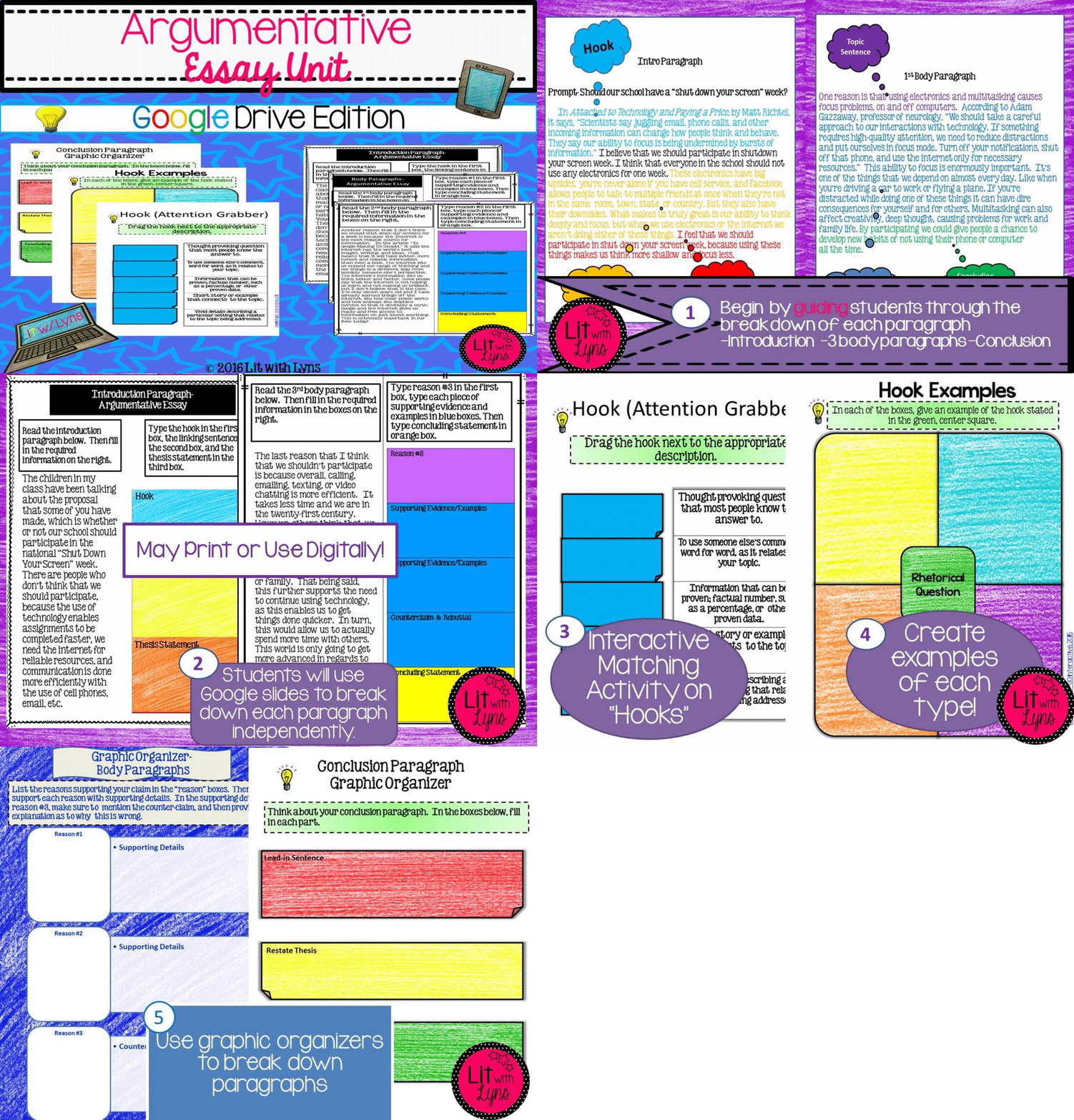
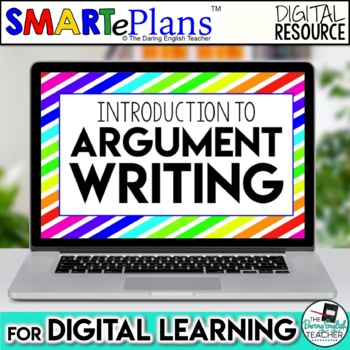
We also use this Argumentative Writing Unit to work through the steps of an argumentative essay. My students absolutely love it, and I was amazed at how much there writing scores improved after completing this unit!

Because Your Students Will Thank You.
doing this year. Go ahead–take the plunge! Believe me, if you have access to
any sort of technology (even one device), then do it. That one tablet or laptop
can open up a window to a universe of instructional opportunities. Your
students will want to get to that tech center.
bringing equal opportunity to our classrooms, regardless of location or socioeconomic
status. It is about the importance of having access to Wi-Fi and up-to-date
technology in our schools. Many schools have technology that is not working or that
is out-of-date. State and local governments are now focusing on getting it all
fixed so that our school children can succeed in the 21st century.
lesson that focuses on discovery, analysis, and exploration. Give your students
the gift of a new opportunity by using Google Classroom, MS OneDrive, or an
App. And don’t forget to share what you are doing in your classroom on social
media to celebrate Digital Learning Day with #futureready. To help you get started, we’ve teamed
up to share an amazing selection of blog posts and classroom activities that
are designed to propel you and your students into your digital learning adventure.
Because Your Students Will Thank You.
doing this year. Go ahead–take the plunge! Believe me, if you have access to
any sort of technology (even one device), then do it. That one tablet or laptop
can open up a window to a universe of instructional opportunities. Your
students will want to get to that tech center.
bringing equal opportunity to our classrooms, regardless of location or socioeconomic
status. It is about the importance of having access to Wi-Fi and up-to-date
technology in our schools. Many schools have technology that is not working or that
is out-of-date. State and local governments are now focusing on getting it all
fixed so that our school children can succeed in the 21st century.
lesson that focuses on discovery, analysis, and exploration. Give your students
the gift of a new opportunity by using Google Classroom, MS OneDrive, or an
App. And don’t forget to share what you are doing in your classroom on social
media to celebrate Digital Learning Day with #futureready. To help you get started, we’ve teamed
up to share an amazing selection of blog posts and classroom activities that
are designed to propel you and your students into your digital learning adventure.

















Your flashing image really got my attention! I'd love to know more about how to do that and so would my students!
I'd be more than happy to show you how!!! Thanks for stopping by!
This comment has been removed by a blog administrator.
I really liked your post and snatched up your digital resources! I was looking forward to further posts on the Blog Hop, but I didn't see any links on your post on where to go next. Are there others or just yours?
Hi Janet! You should be able to see them now! Sorry about that!